Payment Links
You need a single place to review payment links and confirm when customers have paid.
Prerequisites
- Active Sabhi account
- Customers added
- Log in to Sabhi.
- Click Payment Links.
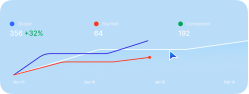
- Review the table of payment links and their Status.
- When a payment is marked Paid, a confirmation message is posted in the applicable customer chat for easy reference.